 Tech Resurrection
Last Updated: November 19, 2026
Quick Summary
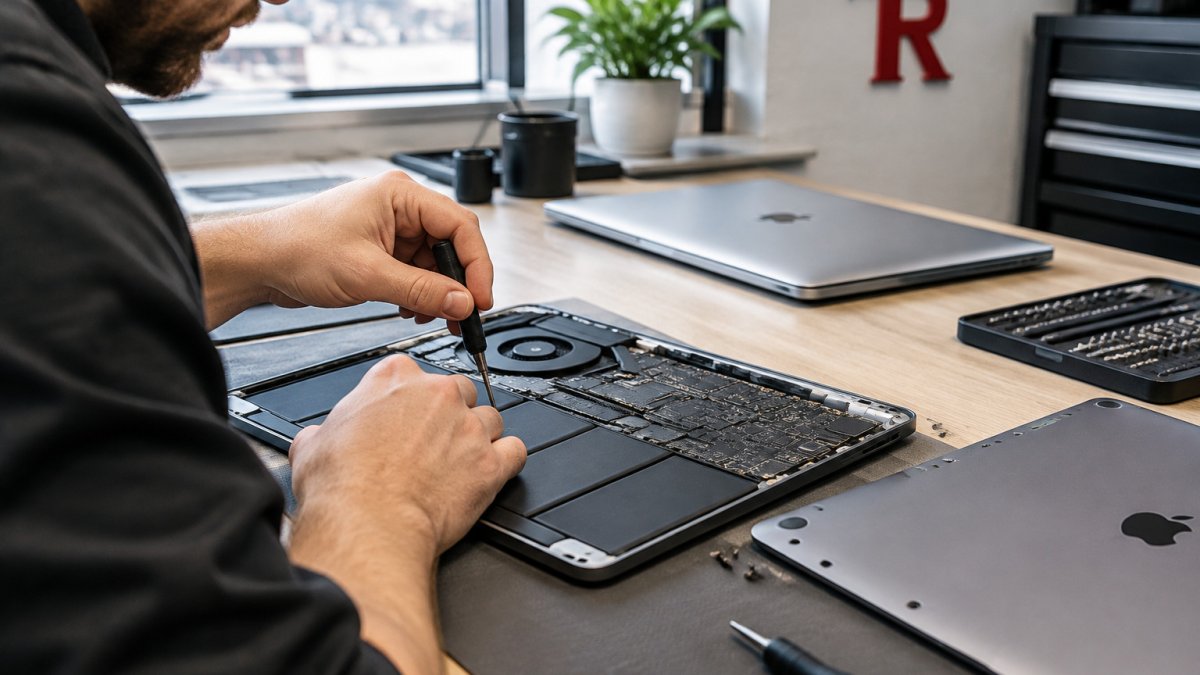
Mac repair in Milwaukee starts with simple checks you can do yourself, like restarting the Mac and freeing up storage space. Back up your files first, since many problems come from simple causes. If the problem persists, Tech Resurrection offers in-home Mac help across Metro Milwaukee.
- Restart the Mac from the Apple menu to clear many temporary glitches.
- Check storage in System Settings, then General, then Storage.
- A nearly full disk is one of the most common reasons a Mac runs slowly.
- Back up with Time Machine before any step that could risk your files.
- Run Apple Diagnostics and note the reference codes the hardware reports.
Table of Contents
- Mac Startup Problems: Safe First Checks
- Back Up Your Mac Before Any Repair
- Booking In-Home Mac Help in Metro Milwaukee
- Frequently Asked Questions
Mac Startup Problems: Safe First Checks
If your Mac won't start, is running slowly, or is acting strangely, you can often find the cause without any special tools. Most Mac problems that people notice first come from something simple, like a full startup disk, too many login items, or a pending software update. Try these quick checks in order before anything involved. Persistent hardware malfunctions often require a more systematic diagnostic approach, which Handy Horrigan LLC explores to help you isolate whether the issue stems from internal components or external peripherals.
Start by restarting the Mac. Choose the Apple menu, then Restart. This clears many temporary glitches. If you're looking for mac repair services in Milwaukee and want to know what a visit involves, learn what in-home help looks like.
Next, check your storage. If you want a deeper walkthrough, see how to remove malware from a Mac safely. Open System Settings, then General, then Storage. If the disk is nearly full, move large files to an external drive or iCloud. A nearly full disk is one of the most common reasons for a slow Mac.
Before anything involved, these quick checks often reveal the cause:
| Check | Where to find it | Why it helps |
|---|---|---|
| Restart the Mac | Apple menu, then Restart | Clears many temporary glitches |
| Check storage | System Settings, General, Storage | A nearly full disk often slows a Mac |
| Move large files | External drive or iCloud | Frees space on the startup disk |
Back Up Your Mac Before Any Repair
Before any step that could risk your files, make a backup. If you're worried about failing storage, learn the warning signs and safe checks first. Time Machine is built into macOS and is the easiest option (Back up your Mac with Time Machine). Connect an external drive, open System Settings, go to General, then Time Machine, and select the drive. Check how much a repair visit costs so you can plan ahead.
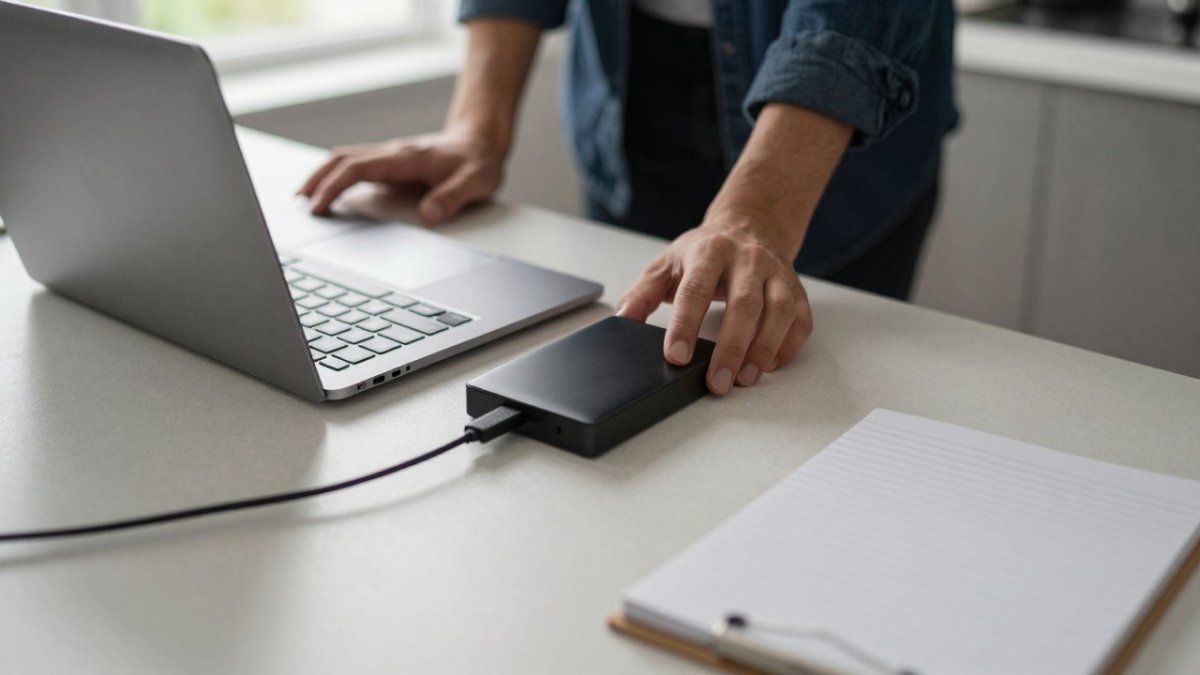
A backup protects you even if the repair goes perfectly. Once the backup finishes, confirm that your most important photos and documents appear in it before you continue.
Booking In-Home Mac Help in Metro Milwaukee
If the quick checks don't solve the problem, Tech Resurrection offers in-home Mac help across Metro Milwaukee, and we're happy to take a look. You can also run Apple Diagnostics and read the reference codes yourself to see what the hardware is reporting. Service is available in the home or at the workshop. The trip charge and diagnostics are $40, and no repair work is done without your approval.
Frequently Asked Questions
Where is the best place to get a MacBook repaired?
Look for a shop that works on Macs specifically, not only PCs. Confirm they explain the problem in plain language and that they will not start repair work until you approve the cost. Reading recent reviews on Google Business Profile or Yelp can also show how a business treats customers. In-home help is an option if carrying the laptop is difficult. Tech Resurrection offers in-home and workshop service across Metro Milwaukee, with a $40 trip charge and diagnostics fee.
How much do Mac repairs cost?
The cost depends on what is wrong and the parts involved, so there is no single price for every repair. Tech Resurrection charges a $40 trip charge and diagnostics fee, and no repair work is done without your approval. Ask for a written estimate before any work starts. Simple fixes like cleaning up storage or updating software may cost less than replacing hardware, which is why a diagnosis first is useful.
Can I back up my Mac if it will not start up normally?
Often you can. If your Mac starts to a flashing question mark or will not reach the desktop, try starting it in Recovery mode, which you reach by restarting and holding the Command and R keys on Intel Macs, or holding the power button on Apple silicon Macs until startup options appear. From there you may be able to connect an external drive and copy files. If you cannot back up yourself, a technician can often help before any repair. Results vary, so ask for help early rather than waiting.
