 Tech Resurrection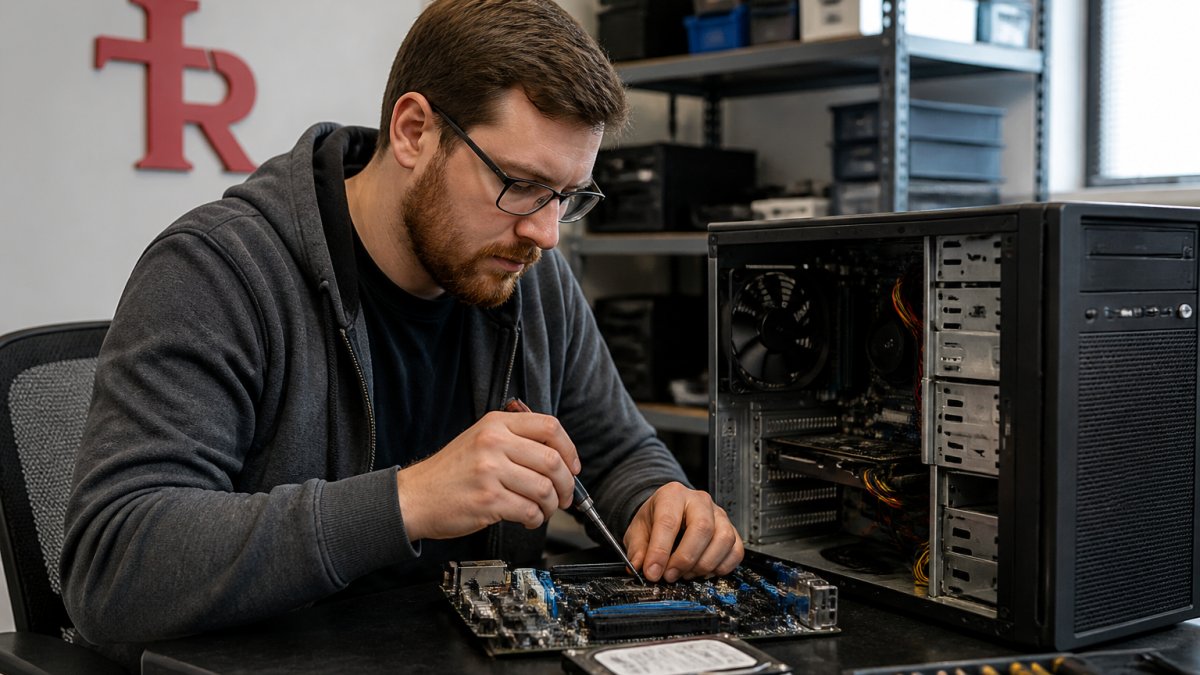
Last Updated: October 25, 2026
Quick Summary
To get computer diagnostics near you, find a local provider that explains what failed, quotes before touching anything, and credits the diagnostic fee toward an approved repair. Most diagnostics take 30 to 90 minutes on the bench, and no work happens without your explicit approval.
- A computer diagnostic test checks power and hardware health, storage integrity, the operating system, and software or malware interference.
- In-home computer repair brings the diagnostic bench to you, ideal if you cannot haul a desktop to a shop.
- Ask whether the diagnostic fee is credited toward an approved repair before you book.
- If a drive is failing, stop using the machine to protect your files.
- Back up anything irreplaceable before a diagnostic, since failing drives can worsen during testing.
Table of Contents
- Computer Diagnostic Services Near Me: What to Expect
- What a Computer Diagnostic Test Checks and How Long It Takes
- In-Home Computer Repair and How to Prepare for a Diagnostic Appointment
- Computer Repair Cost and Diagnostic Fees: What to Ask Before You Book
- Desktop Repair, Laptop Repair, and PC Troubleshooting Services
- Choosing a Local Computer Repair Provider You Can Trust
- Frequently Asked Questions
Computer Diagnostic Services Near Me: What to Expect
Searching for computer diagnostics services near me means something is wrong and you want a straight answer. At Tech Resurrection, we have spent over three decades doing exactly that across Metro Milwaukee.
A computer diagnostic is a structured inspection of hardware and software to find the root cause before anyone quotes a repair. IBISWorld's US industry report on electronic and computer repair services counts 26,312 businesses in the sector in 2026, with revenue expected to slip 0.9%, more reason to know what you are paying for.
What a Computer Diagnostic Test Checks and How Long It Takes
A computer diagnostic test checks four layers in sequence: power and hardware health, storage integrity, the operating system, and software or malware interference.
In-Home Computer Repair and How to Prepare for a Diagnostic Appointment
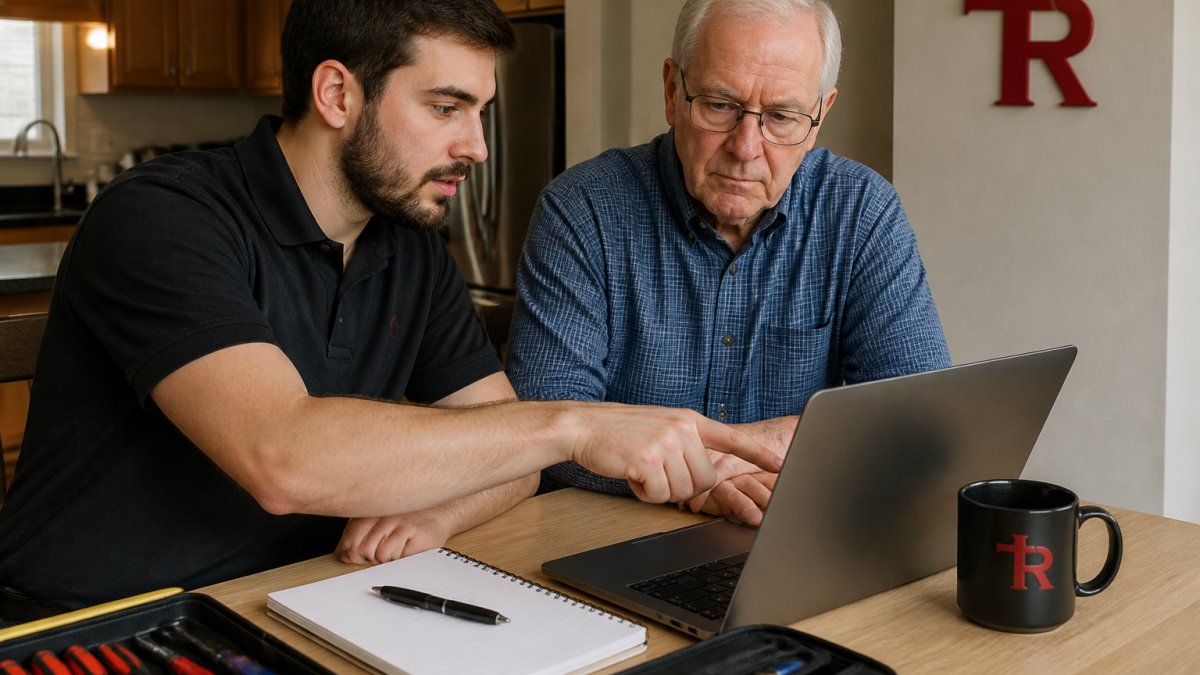
In-home computer repair brings the diagnostic bench to your kitchen table, ideal for anyone who cannot haul a desktop to a shop. A common mistake is staying vague about the problem, our job is to translate, not to grade you.
Computer Repair Cost and Diagnostic Fees: What to Ask Before You Book
Computer repair cost breaks into the diagnostic fee and the repair estimate. Ask about both before you book, and whether the diagnostic fee is credited toward an approved repair. We quote after diagnosis, never before, and no work happens without your explicit approval.
Desktop Repair, Laptop Repair, and PC Troubleshooting Services
PC troubleshooting services can be delivered through various models, including onsite for desktops, networking, and small business setups. You can see the full range of repair and tech services and how to get started.
| Service Type | Best For | Typical Turnaround |
|---|---|---|
| In-store service | Laptop repair, hardware swaps | Same day to a few days |
| Onsite repair | Desktops, networking, small business | Scheduled visit |
| Remote support | Software, email, printer setup | Often same session |
Desktop repair usually means hardware: power supplies, drives, RAM, cooling. Laptop repair leans toward screens, keyboards, batteries, and hinges. If a drive is failing, stop using the machine, every additional boot reduces the chance of getting files back.
Choosing a Local Computer Repair Provider You Can Trust
Choosing a local computer diagnostics provider comes down to consent and clarity, not branding. The right shop explains what failed, quotes before touching anything, and never makes you feel stupid for asking. If someone says the hard drive failed but cannot show the drive health data, ask to see it.
Frequently Asked Questions
How much does a computer diagnostic cost?
At Tech Resurrection, no repair work is done without your explicit approval, so you see the estimate before any charges accumulate. Call or contact us for current diagnostic pricing and a clear breakdown of what is included.
What should I do before taking my computer in for diagnostics?
Back up important files first, note your login password, and write down the specific symptoms you have noticed, such as slow startup, random shutdowns, or Wi-Fi drops. Unplug external drives and remove any disks. If you use in-home computer repair, clear a table near an outlet and have your charger ready. Tell the technician what changed recently, like a new program, update, or dropped laptop. These details shorten the computer diagnostic test and help the technician target the right hardware or software issue.
Can a computer diagnostic identify why my PC is running slowly?
Yes. A diagnostic checks startup programs, drive health, memory use, operating system errors, malware, and overheating. Slow performance usually traces to one or more of those, and the test separates a failing hard drive from a software issue. If the machine is very old, the technician can tell you whether a repair is worth the computer repair cost or whether replacement makes more sense. Ask for the findings in plain language and a written estimate before approving any work.
Slow PC, mysterious startup errors, or a drive that is making noise? Tech Resurrection offers in-home diagnostics across Metro Milwaukee, with over three decades of experience, plain-language explanations, and no repair work performed without your explicit approval. We also handle custom computer builds where you choose the parts.
Call or contact us today to schedule a diagnostic and get a straight answer about what is actually wrong with your machine.
